Eggzams is built for the exams a board sets, not your school — Cambridge IGCSE & AS/A Level, AP, IB, the SAT, English for IELTS and English for TOEFL, with more on the way. Short, honest practice sessions with an explanation after every answer.
Already registered in the app? Sign in and practise in your browser. New here? Download the app and register first, then you can use Eggzams on the web too.
What does “adding value” mean in business?
Adding value is increasing the difference between what it costs to make a product and the price a customer pays for it — through branding, quality, convenience or design.
Questions are organised the way each board organises them — by subject, by paper, by topic — so you practise exactly what’s on your spec. Cambridge, AP, IB, the SAT, English for IELTS and English for TOEFL are all in the app today, with more being added.
Eggzams is an independent study aid for people preparing for the IELTS test. It is not affiliated with, or endorsed by, IELTS or its owners. IELTS is a registered trademark of its owners. Learn more
Eggzams is an independent study aid for people preparing for the TOEFL iBT test. It is not affiliated with, or endorsed by, ETS. TOEFL is a registered trademark of ETS. More about English for TOEFL.
Every topic tracks your accuracy and turns it into something you can see. It’s a small nudge to come back and finish what you started.
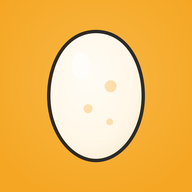
Pick a topic and you’ll see a plain white egg: 0% hatched. Nothing tracked yet — no pressure.
Every correct answer raises the temperature. Get an explanation each time, so a wrong answer still moves you forward.
Hit mastery and the egg becomes a chick. Then you do it again for the next topic — and the one after that.
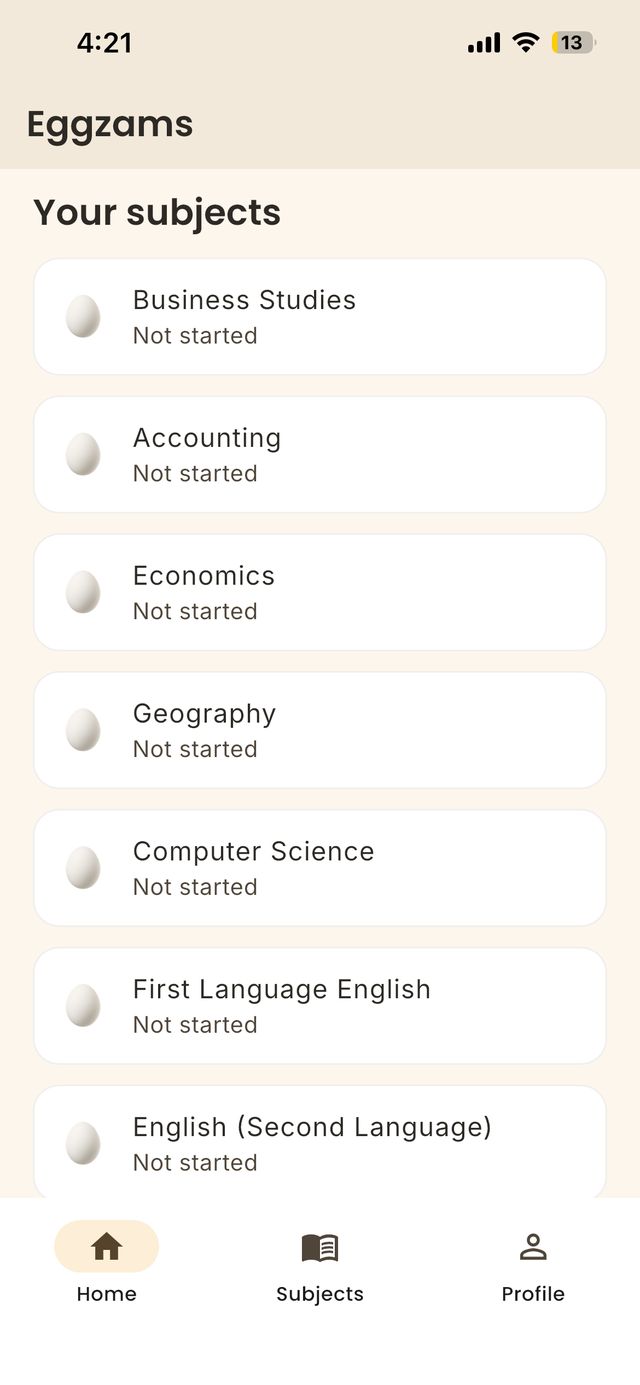
Your subjects, right on the home screen.
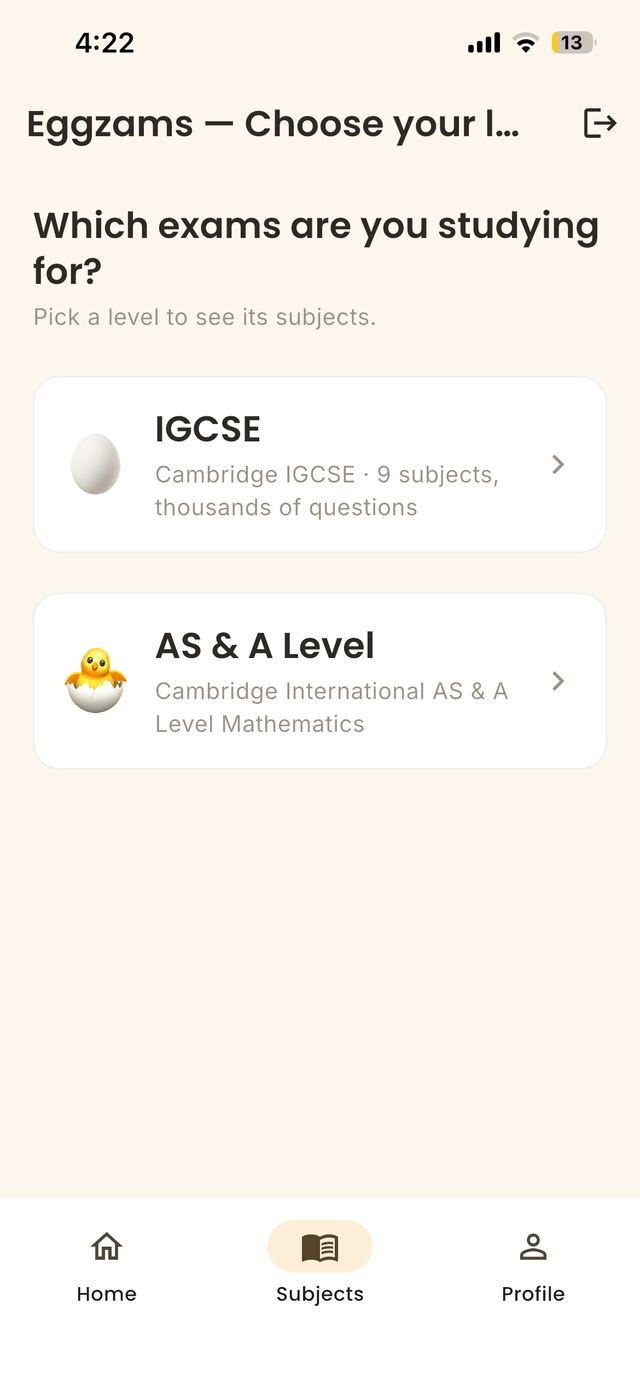
Pick your level: IGCSE or AS & A Level.
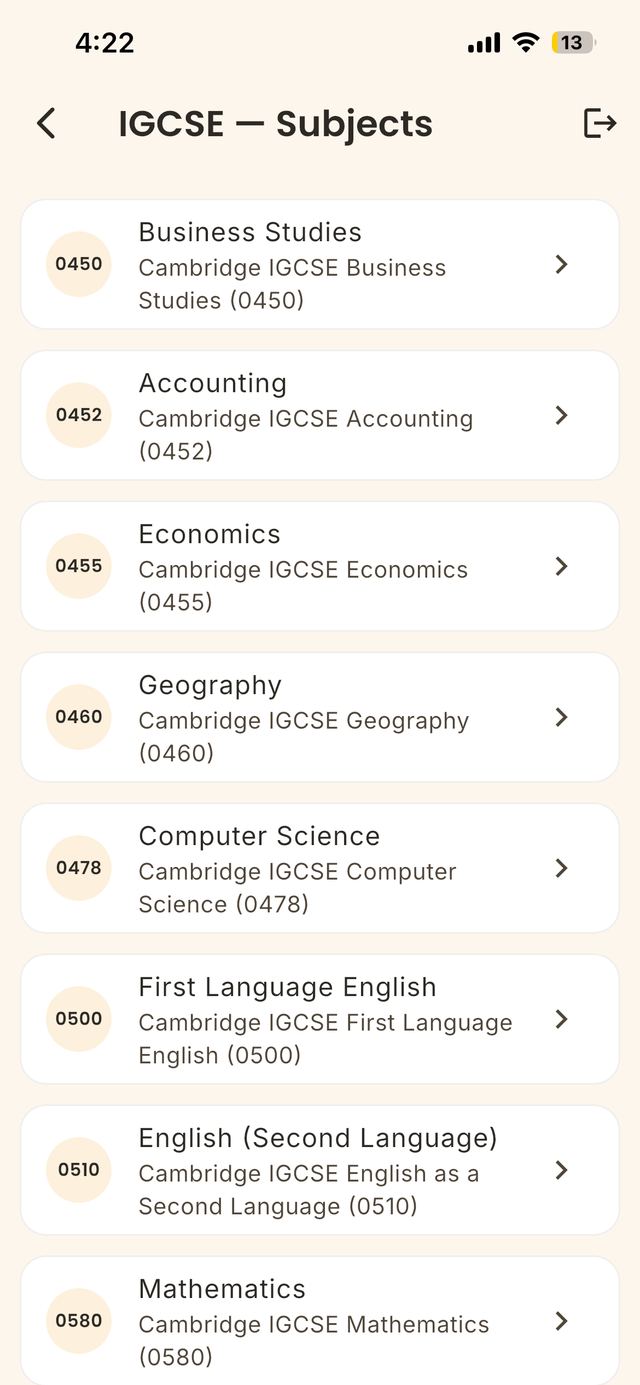
Subjects laid out by their syllabus code.
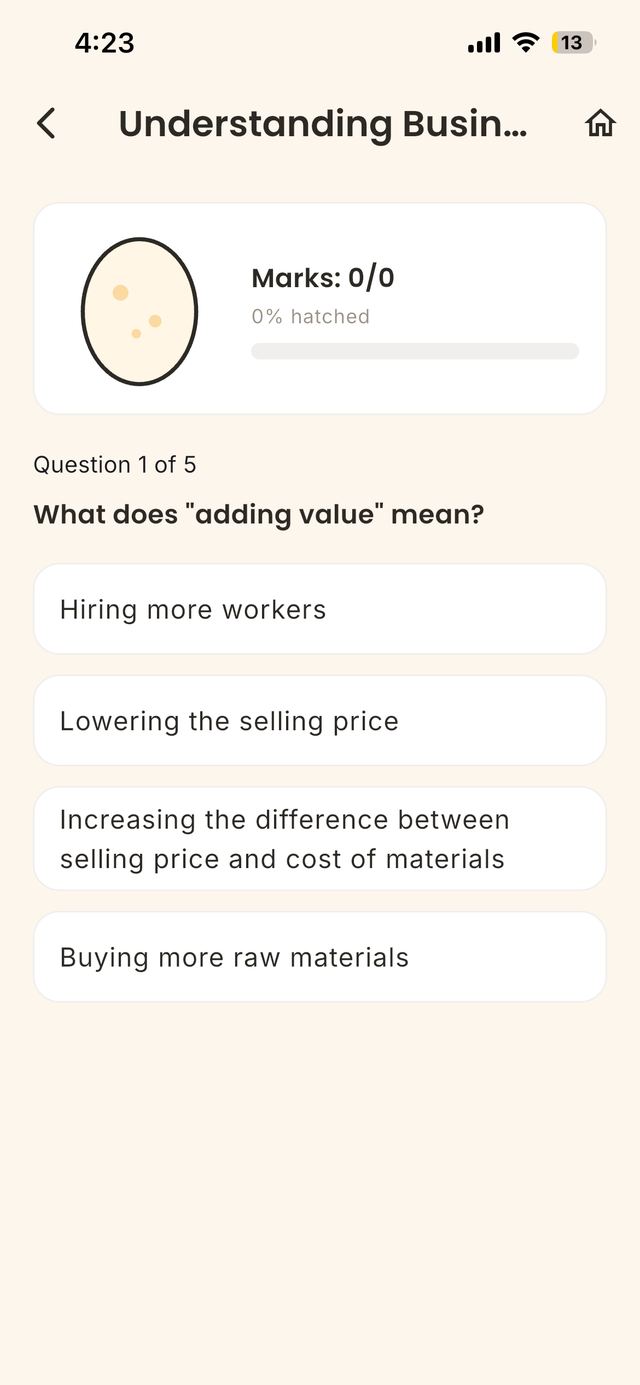
One question at a time, with a progress egg.
No subscription, no auto-renew, no “first month free” trap. Buy it once and every current and future question is yours.
External exams — the ones set and marked by an exam board rather than your school. Eggzams covers Cambridge IGCSE and AS & A Level, Advanced Placement (AP), the IB Diploma Programme, the SAT, English for IELTS and English for TOEFL, with more boards and levels being added. If you’re revising for an official qualification, it’s built for you.
65 subjects and sections across seven programmes: Cambridge IGCSE (13 subjects), Cambridge AS & A Level (13 subjects: Biology, Chemistry, Physics, Mathematics, Further Mathematics, Economics, Business, Computer Science, Accounting, Geography, History, Law and Psychology), 14 AP subjects, 9 IB Diploma subjects, SAT Math & Reading/Writing, English for IELTS (7 sections) and English for TOEFL (7 sections) — over 57,000 questions in total.
Yes. English for IELTS has 41 topics across seven sections — test basics and scoring, Listening (with audio), Reading, Writing, Speaking, Grammar and Vocabulary — and over 2,000 original questions, with five free in every topic. It covers the Academic and General Training tests, but it does not mark your writing or speaking. Eggzams is independent and is not affiliated with, or endorsed by, IELTS or its owners. More about English for IELTS.
Yes. English for TOEFL has 36 topics across seven sections — test basics and scoring, Listening (with audio), Reading, Writing, Speaking, Grammar and Vocabulary — and 1,800 original questions, with five free in every topic. It follows the updated TOEFL iBT task types, but it does not mark your writing or speaking. Eggzams is independent and is not affiliated with, or endorsed by, ETS. More about English for TOEFL.
No. Every question in Eggzams is written from scratch and checked against the current syllabus. We never copy or reproduce past exam papers — that’s a copyright line we don’t cross. The questions are built to feel like the real thing and drill the same skills.
No. The app is free to download and use. Premium is a single $9.99 purchase (local pricing varies) that unlocks every question. There is nothing to cancel and nothing that auto-renews.
The first five questions in every single topic, across every subject and level. That’s hundreds of questions with a free account and no time limit — enough to know whether the app suits how you revise.
Yes, for now. Eggzams loads questions and saves your progress through your account, so it needs a connection while you practise.
iPhone and iPad through the App Store, and Android phones and tablets through Google Play. You can also use Eggzams in a web browser at eggzams.com/app: create your account in the app first, then sign in on the web with the same email and password. Your progress is tied to your account, so signing in on a new device brings it with you. An account can be signed in on one device at a time.
After you register, Eggzams emails you a confirmation link. It usually arrives within a minute, but it can land in your Spam or Junk folder, so check there first and mark it as “not spam”. Also check that you typed your email address correctly. If it still hasn’t arrived after a few minutes, contact us at egg@eggzams.com and we’ll sort it out.
Start with one question tonight. Let the egg do the nagging.
 Eggzams